
If you are a Vietnamese TikTok Shop seller who wrote one decent selling script for 12.12 and is about to waste it on a single video, while the Fun Fest week needs the same message in a dozen clips, one good script is five content units sharing a costume, and the Fun Fest week pays for daily presence, not for one excellent Monday video. The Vietnamese feed has already voted on what works. A post on how to write a selling script for affiliate videos carries 9,486 likes; a follow-up offering one simple, free script template gathered 7,103; a tutorial on free AI video tools picked up 8,573; and a step-by-step "do these moves and your selling video is done" sits at 6,968. Read the four numbers together and the message is unambiguous: the crowd is not looking for more scripts — it is looking for more videos out of the scripts it already has. And the platform is about to make that gap expensive: the official countdown to the 12.12 Fun Fest super concert at Nguyễn Huệ walking street pulled 18.6K likes, with a second post announcing December's strongest lineup at 2,684. One week, one message, a dozen needed shapes — that is the whole argument for one script, many clips.
Start by pricing the wasted script. A selling script that works is the most expensive content input you own: it cost you the product test, the angle choice, the offer line that matches the page, and the sentence structure that holds attention to the cart. Spending all of that on one video means the script earned one slot of feed presence — roughly one afternoon — out of a Fun Fest week that runs on daily repetition. Put a number on it: if the week before 12.12 needs the core message on feed ten times, and the script supports only one of those, nine of ten impressions carried somebody else’s version of your product. That is the invoice for the single-use script.

One Script Is Five Clips Waiting to Be Split
The default habit is script-then-film: write one script, film one video, post it, and treat the week as done. It fails because a feed rewards presence, not perfection — one excellent video on Monday and silence until Saturday reads to the algorithm as an account that went quiet. Turning one script into a batch of AI clips is not laziness; it is the only way a single good message can occupy ten slots without ten film days. The creators circling the script template posts understand this: they are not collecting scripts, they are building clips from each one.
Timing decides the value of the batch. The Fun Fest countdown is already running, which means the feed is about to price attention at its December maximum; a batch generated this week occupies that peak, while the same batch generated mid-campaign arrives after the audience has been sorted.
Step One: Split the Script into Selling Beats
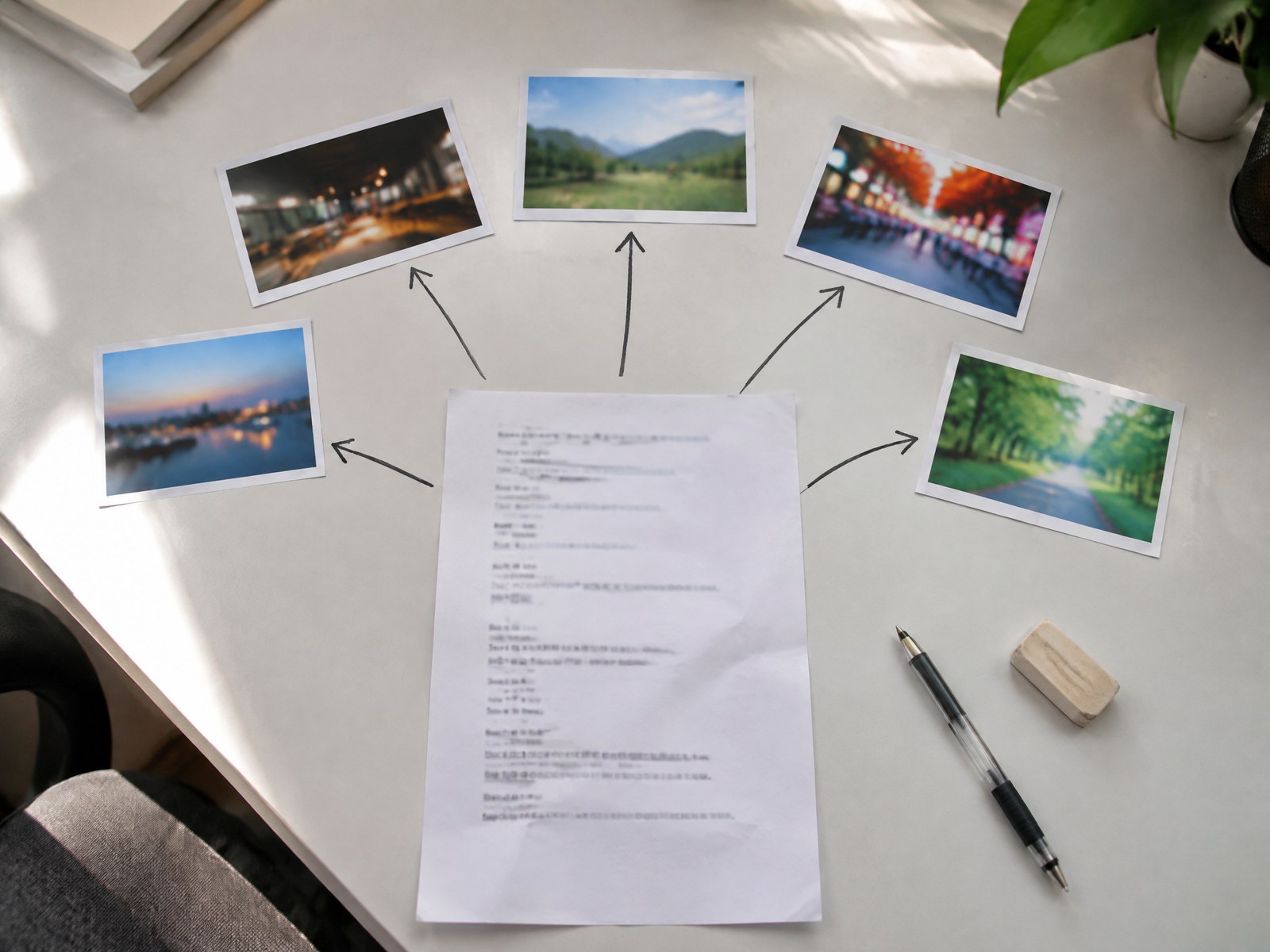
The first step is splitting the script into selling beats — the moments a viewer needs before they will tap the cart. A working 12.12 script usually contains five: the hook that names the problem, the beat that shows the product solving it, the proof beat with the detail that builds trust, the offer beat naming the Fun Fest deal, and the close that points at the cart with a reason to move now. Mark them in the margin of the script you already have. This matters because the batch is only as varied as its beats: five clips generated from five distinct beats repeat nothing, while five clips generated from one beat repeat everything. The script you wrote is not one unit of content; it is five units that were sharing a costume.
The beats also order themselves. The problem beat works on Monday morning; the proof beat lands better midweek when curiosity has a case to read; the offer beat belongs inside 72 hours of the Fun Fest peak. Assign each clip its week position at the moment you split the script, and the batch becomes a sequence instead of a pile.
If you want the beat-splitting worksheet this article describes — five beats, one job each, with week positions marked — register for DAMI and contact our support team for the free 12.12 script-to-clips worksheet, and the Fun Fest dates are already pre-filled.
Step Two: One Core Message, Five Textures
The second step is generating one AI clip per beat from the same core script. Keep the offer sentence and the product claim identical across all five — those are the facts the shop page has to honor — and vary everything the beat owns: the opening frame, the visual setting, the pacing, the text overlay. Five renders, one message, five textures is what the feed rewards; five clips with five drifting messages is what trains viewers to scroll past your product. The 8,573-like tutorial on free AI video tools exists because the generation step is now the easy part — the discipline lives in keeping the message constant while the surface changes.
Two guards keep the batch coherent. The first is a fixed-facts check: the offer line and product claim are copied, not retyped, into every clip brief, so drift cannot enter through a careless paraphrase. The second is a same-message test: play all five clips back to back and ask whether a viewer who sees only one of them still receives the same core message — if two clips disagree, one of them is regenerated before scheduling.
Step Three: Schedule the Batch as a Week Sequence
The third step is scheduling the batch as a sequence, not a dump. The five clips do not go out in one afternoon; they go out at the week positions assigned in step one — problem early, proof midweek, offer inside the final 72 hours, with the close clip held for the day of the Fun Fest concert when the feed is at maximum temperature. This is also where the AI clips and your creators stop competing: creators film the human layer — try-on, unboxing, the voice — while the AI batch holds the daily positions between them. One message, delivered by two layers, in the order the buying decision actually unfolds.
The sequence also creates a free diagnostic: each week position has a different job, so watch-through by position tells you which beat of your script the market actually responds to. A weak offer beat is an offer problem; a weak problem beat is a positioning problem — two different fixes, both readable from one batch.
Step Four: Keep the Pipeline, Not Just the Tactic
The last step is the reuse rule that outlives 12.12: the script-to-clips conversion is not a one-off trick but a standing process. Every future selling script gets split into beats, generated into a batch, and scheduled as a sequence — the same pipeline, at whatever scale the campaign needs. The sellers who treat the pipeline as one December tactic rebuild it in January from zero; the sellers who keep it as a process enter every promotion week with a message that arrives in a dozen shapes, which is exactly the presence the feed keeps paying.
Audit the pipeline once per quarter, not once per campaign. The beats that repeat best, the textures that carry the message without drowning it, the week positions that hold — these accumulate into a house style that makes every future batch cheaper and every future script faster to split.
Run the Script-to-Clips Pipeline in One Tool
DAMI brings an 8-million-plus creator database, competitor and competitor-store creator search, automated outreach tasks, AI-assisted outreach, AI video creation, sample management, campaign management, social media management, store analytics, and multi-store team dashboards into one place. The beats, the batch, the sequence, and the standing pipeline run on one system — and a system split between a notes app, a design tool, and a calendar is a system that forgets which version shipped. This is the work DAMI covers: AI video creation turns the script beats into clips, automated tasks hold the week positions, social media management runs the sequence, and store analytics reads back which beat carried the watch-through.
Mark the five beats in your existing script
Open your 12.12 selling script and label the problem, solution, proof, offer, and close beats in the margin, assigning each its week position — problem early, proof midweek, offer in the final 72 hours, close on Fun Fest day. Output: one script visibly holding five content units in order.
Generate one clip per beat and run the same-message test
Feed each beat to DAMI AI video creation with the offer line and product claim copied verbatim into every brief, then play the five clips back to back and regenerate any whose core message drifts from the shop page. Output: five distinct clips, one message, five textures.
Schedule the sequence and keep the pipeline
In DAMI social media management, place each clip at its week position, and record the beat template and positions in DAMI automated tasks so the next campaign starts from the process. Output: a sequence the buying decision can follow, entered from evidence instead of from zero.

Frequently Asked Questions
How many AI clips can one 12.12 script produce?
Five distinct beats produce five distinct clips: problem, solution, proof, offer, close. More than five needs a second script or a second product angle — the honest ceiling per script is one clip per beat, and quality comes from distinct beats, not more renders of the same one.
Will the AI clips look repetitive if they share one script?
Only if they share one beat. Clips generated from different beats differ in structure, pacing, and message emphasis — the repetition the feed punishes comes from same-beat renders, not from a shared message. Keep the facts fixed and the beats distinct and the batch reads as a series.
Should the AI clips replace creator videos for Fun Fest week?
No — they carry different layers. The AI batch holds the daily positions and the offer reinforcement; creators hold trust positions like try-on and review. One message delivered by two layers outperforms either layer alone, and neither replaces the other.
What if the Fun Fest offer changes after the batch is generated?
Regenerate only the offer beat and its close — the other three clips carry no offer line and stay valid. This is exactly why the offer sentence is kept in a fixed-facts copy inside every brief: one change touches two clips, not five.
Is script-to-clips worth it for a small Vietnamese shop?
It is the cheapest multiplication you own. The script is already written and paid for; the beats are free to split; five clips from one afternoon occupy a week of feed. No other content input turns one afternoon into daily presence for the Fun Fest peak.
Draw the Beat Lines This Afternoon
The expensive habit here is not writing badly. It is spending the most expensive input you own on a single slot of feed. DAMI brings an 8-million-plus creator database, competitor and competitor-store creator search, automated outreach tasks, AI-assisted outreach, AI video creation, sample management, campaign management, social media management, store analytics, and multi-store team dashboards into one place.
This afternoon, take the 12.12 script you already wrote and draw four lines in the margin — hook, proof, offer, close. That page is no longer one video; it is five clips waiting for one afternoon of generation, and the Fun Fest week is exactly the week that needs all five.
Start with DAMI while one afternoon of generation still covers the whole Fun Fest week.