If you are social media management: turn scattered creator posts into one content calendar that survives the Thai peak season, the Thai peak window runs from the 11.11 spike into the New Year push, and creators who post in bursts get buried exactly when buyers scroll hardest. The table went around Thai creator circles fast. One creator posted a simple seven-day content table — Monday talk video, Tuesday product clip, Wednesday live warm-up, and so on — and it collected over six thousand likes from people who wanted the same discipline for themselves. Thai sellers looking at that table feel the gap immediately: their own creators post whenever they feel like it, two clips land the same afternoon, then nothing for nine days, and nobody owns the schedule. The missing piece is not effort; it is a content calendar that lives outside anyone's head.
Without a content calendar, the cost shows up as gaps, and gaps are what the algorithm punishes. Thai peak season runs from the 11.11 window straight into the New Year push, and creators who post in bursts get buried exactly when buyers are scrolling hardest. Count the loss concretely: if four creators should each deliver three warm-up posts per week and two of them drift, your shop enters every big live night with half the planned content — and paid traffic lands on a feed that stopped moving days ago. The six-thousand-like table proves Thai creators want structure. A shop that never offers that structure pays for the chaos instead.

Why a Shared Content Calendar Beats Chasing Thai Creators One by One
Why does a content calendar beat chasing creators one by one? Because chasing spends your attention on the past — a post that already slipped — while a calendar spends it on the future, where slots can still be saved. The six-thousand-like table also explains the psychology: creators follow structure more readily than pressure. When a slot sits on a shared calendar with a date and a format attached, the creator treats it as a commitment instead of a vague request. Sellers in Thailand who run one shared calendar report the same shift — fewer reminder messages, fewer duplicate posts landing on the same day, and warm-up content that actually appears before the live instead of after it.
One Thai-specific note shapes the calendar: paydays and holidays move the whole feed. Thai buyers concentrate spending around the middle and end of the month, and the big festival windows between November and January pull every shop into the same dates. A content calendar built only around your own convenience ignores that rhythm. Place the heaviest product clips within two days of each payday, and keep festival-week slots one format lighter — audiences scroll more but convert slower when every shop posts at once. The six-thousand-like table landed on an ordinary week; your calendar should land on the weeks that pay.
Step One: Map the Rhythm Each Creator Already Keeps
The first step is mapping the rhythm each creator already has, before asking anyone to change. Open the last thirty days of posts for every creator under contract and note three things: their posting frequency, their best-performing format, and the days they are naturally active. Thai creators often run live sessions on fixed nights and post clips around them; a content calendar that fights that rhythm dies in week one, while one built on it lasts a season. Put each creator's real pattern in a single row — Friday poster, Sunday live, Tuesday idle — and you have the raw material for slots that will actually be kept.
A warning against the most common first-draft mistake: building the calendar around the slots you wish existed instead of the slots creators keep. A grid full of idealized Monday-morning product clips looks disciplined and survives nothing. The first version of a content calendar is a record of behavior, not a set of orders — reorder it gently in week two, one slot at a time, and the creators will follow the table instead of abandoning it.
Start with the smallest useful version of a content calendar: one sheet, five columns — creator name, slot date, content format (talk video, product clip, or live warm-up), product line, and status. Fill it for the coming two weeks only, because a month of empty slots paralyzes everyone. The six-thousand-like Thai table works because it is short and repeatable; your first calendar should copy that shape. Two weeks, four creators, twenty slots. That is the whole starting grid, and it is small enough to fill in one sitting with each creator's real rhythm in mind. Want that five-column content calendar as a ready sheet with the status column wired to reminders? register for DAMI and contact our support team for the five-column creator content calendar, and the sheet mirrors the social management fields, so slots update themselves as posts go live.
Step Two: Assign Formats Backward From Every Big Date
The second step is assigning formats backward from each big date. Work from the live night: a content calendar earns its keep when the warm-up posts land three days, two days, and the morning of the live. For every creator in the two-week grid, assign one talk video early in the window, one product clip near the middle, and one live warm-up right before the event. Match format to each creator's strongest style from the mapping step — the Friday poster gets the talk video, the natural live host anchors the warm-up. A content calendar filled this way reads like a run sheet, and every slot has an owner, a date, and a job.
Leave one buffer slot per creator per week and resist the urge to fill it. Thai peak weeks bring delayed shoots, sudden brand deals, and family events; a content calendar with zero slack breaks the first time one creator slips, and one slipped slot cascades into a rearranged week. The buffer is not wasted space — it is the slot you move content into when real life interferes, and weeks that contain one run measurably smoother than weeks packed solid.
Step Three: Run the Weekly Lock With Three Statuses
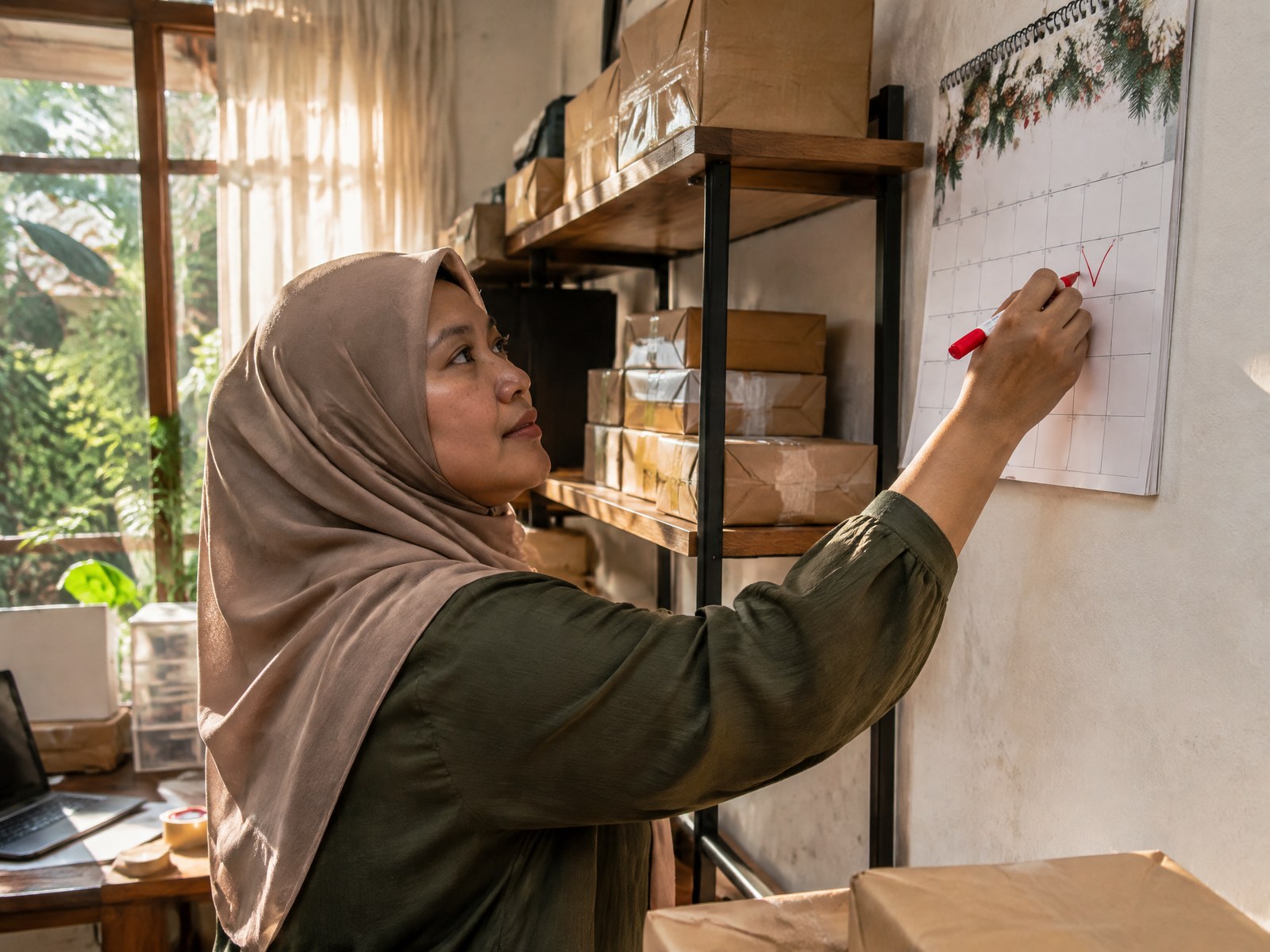
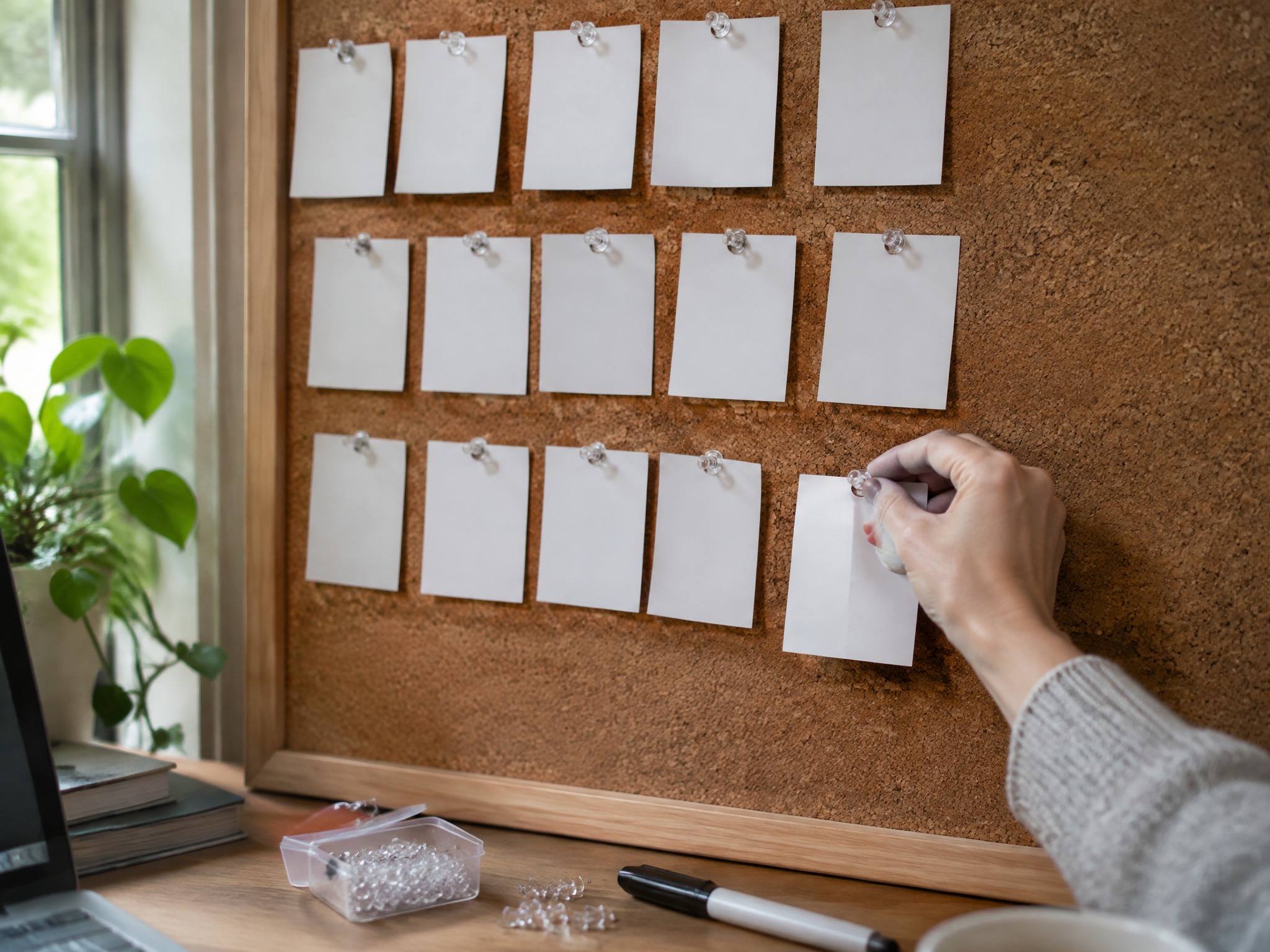
The third step is the weekly lock — one fixed moment each week when the next week's content calendar is finalized and confirmed. Monday morning works in Thailand: creators review their slots, confirm or swap, and every confirmed slot turns a different status. Track three states only — planned, filmed, posted. The discipline matters more than the tool: a slot that sits in planned status past Wednesday needs one nudge, not three; a slot still planned on Friday gets reassigned to the buffer. Sellers who run the weekly lock report the same effect the six-thousand-like table promised — creators stop treating posting as a mood and start treating it as a schedule.
A healthy Thai content calendar has a measurable shape: at least sixty percent of slots filmed by Wednesday of their week, no creator carrying more than three slots in planned status, and every live night preceded by its full warm-up set. Track those three numbers for two weeks and the weak creators identify themselves — not by who complains, but by whose column stays red. The numbers also protect you from over-booking: a calendar where every creator shows green while actual posts lag means the statuses are being updated, not the content.
Step Four: Wire the Calendar to Execution So It Reports Itself
The fourth step is wiring the calendar to execution, so it updates itself instead of decaying into a spreadsheet nobody opens. Each posted slot should tick automatically when the content goes live; each filmed slot should log the asset link the moment the creator sends it; and each live night should pull the warm-up set into one view for a final check. This is where most manual content calendars die — not in the planning, but in the maintenance, when someone forgets to mark a post and the table quietly lies. A content calendar that reports itself keeps the trust of everyone looking at it, and trust is what makes creators keep filling it.
Language and format close the loop for Thailand. Thai captions carry the sale — warm-up posts written in natural Thai with one clear product line outperform translated copy, and creators are happy to draft their own captions when the content calendar names the product and the angle for each slot. Give every slot one line of angle, not the whole brief: the talk video sells the problem, the product clip sells the price, the live warm-up sells the event. Creators write faster inside a named angle, and the calendar stays the single place where the whole shop's Thai-language output can be read at a glance.
Run the Whole Content Calendar Inside One Social Management View
DAMI brings an 8-million-plus creator database, competitor and competitor-store creator search, automated outreach tasks, AI-assisted outreach, AI video creation, sample management, campaign management, social media management, store analytics, and multi-store team dashboards into one place. Running this calendar across four creators, three formats, and a ten-week peak season in one sheet is where Thai sellers usually stall — the method holds, but the maintenance hours do not. DAMI's social media management turns the content calendar into a living view: each creator's slots sit beside their posting history, statuses update as content goes live, and the weekly lock becomes a filter instead of a meeting. The goal is not more dashboard time; it is the same five-column calendar, kept honest automatically, so the hours go into content instead of bookkeeping.
Import the roster and let posting history fill itself
Bring every contracted creator into DAMI social media management — frequency, best format, and active days surface from their history without opening a profile. Output: the rhythm mapping finished before the first slot is written.
Build the two-week grid as saved slots
Create creator-date-format-product slots for twenty positions, leave one buffer per creator, and let posted content flip its own status. Output: a content calendar that reports itself instead of relying on memory.
Run the Monday lock from one screen
Confirm or swap the week, nudge anything still planned past Wednesday, reassign Friday stragglers to the buffer — all from the same filtered view. Output: one locked week, three statuses clean, no creator above three planned slots.

Frequently Asked Questions
How far ahead should a Thai content calendar run?
Two weeks in firm detail, one month in outline. Beyond that, festival dates shift and the grid goes stale; the weekly lock exists to absorb those shifts without rewriting everything.
What if a creator refuses to follow the calendar?
Check whether the slots match their real rhythm first — most refusals are rhythm conflicts in disguise. If the mismatch survives the remap, the creator's capacity was never enough for the slots assigned.
Should live warm-up posts go on the calendar too?
They matter most of all. The warm-up set is what fills the live room, and it is the set most often skipped when nothing tracks it. Three warm-up slots before every live night, non-negotiable.
How do I handle two creators posting on the same day?
That is what the grid exposes. Same-day collisions split attention, so move one to the buffer at the Monday lock — the calendar makes the collision visible a week early, which manual chasing never does.
Is a paid tool necessary, or can this stay manual?
One creator can run on chat messages. Four creators across a ten-week peak season need statuses that update themselves — manual bookkeeping is where the calendar dies, and that maintenance is exactly what the tool removes.
Give Your Creators the Same Table Today
The expensive habit here is not skipping planning. It is running a creator roster with no shared calendar, where every post is a mood and every live starts cold. DAMI brings an 8-million-plus creator database, competitor and competitor-store creator search, automated outreach tasks, AI-assisted outreach, AI video creation, sample management, campaign management, social media management, store analytics, and multi-store team dashboards into one place.
Today, open the last thirty days of posts for your four most active Thai creators and write each one's real rhythm on a single line. Build the two-week grid with five columns, leave one buffer slot per creator, and set the Monday lock on your own calendar first. The six-thousand-like table proves the discipline sells; the content calendar is simply you giving your creators the same table, with your products in it.
Start with DAMI while a two-week grid still fits the creators you already have.