
If you are a Philippine TikTok Shop seller running three to five stores — a main shop plus category spin-offs or brand-and-outlet pairs — who logs out and back in all day just to answer one question per store: did it sell yesterday, the problem is rarely that TikTok Shop gives you too little data. It is that the numbers that decide your next move sit in different tabs, different stores, or different days. A 93-like ad from a multi-store tool vendor asked Philippine sellers the question plainly: too many stores, too much hassle? The hassle is not the stores — it is that each store lives behind its own login, and the seller becomes the only dashboard connecting them.
The switching cost compounds quietly. Four stores, six logins a day per store for stock checks, order confirmations, and campaign reviews, four minutes per session: that is ninety-six minutes a day of navigating logins instead of deciding anything — eight hours a week, a full working day spent being a human tab switcher. The cost is not only time. Sessions started and abandoned mid-store mean one store always gets checked last, usually the second-smallest, which is precisely where stock-outs and expired campaigns hide longest. And a 1-like technical post about keeping multiple accounts isolated drew replies across the region because sellers are improvising isolation with extra devices — paying in hardware what a proper dashboard would charge in minutes.

Manage Multiple TikTok Shop Stores One Dashboard? Start With the Switching Cost
The reason multi-store Philippine sellers stay manual is that each store was opened for a good operational reason — different category, different brand voice, different price tier — and nobody built the reporting layer on top. The tools notice this gap before sellers do: a 9-like post from a commerce vendor asking whether inventory is keeping up with a growing shop is the vendor version of the same pain. The fix is not merging the stores, which the platform structure forbids for good reasons. The fix is merging the reading of the stores: one sheet, one timestamp, one set of columns that every store fills, so the comparison happens at a glance instead of across five logins.
There is a Philippine-specific reason to act now rather than someday. The -ber months run sales events almost weekly from September through December, and a promo that lands on one store silently shifts demand onto whichever store shares its category. Sellers who read stores one at a time discover the shift three days late, when the stock has already moved. A single comparison sheet shows the same-day shift across stores, and that is the difference between restocking on day one and apologizing on day four.
Why the Stores Stay Separate but the Reading Should Not
Start by pricing the switching, honestly, for one week. Keep a tally for five days: every login, every store, every minute. Most multi-store Philippine sellers land between eighty and one hundred ten minutes a day and are surprised by which store eats the minutes — it is rarely the biggest one. This tally is not bureaucracy; it is the business case. It tells you which stores actually need the morning view and which are fine on a weekly pass, and it becomes the before column when you measure whether the merged sheet worked. Skip the tally and you will merge stores into a sheet by feel, keep checking everything anyway, and save nothing.
While tallying, note the reason for each login in one word: stock, orders, campaign, message. The word distribution shapes the sheet. If most logins are stock, the sheet leads with inventory; if most are campaign checks, it leads with affiliate activity. A sheet built from your actual logins gets used; a sheet built from a template gets admired once.
If you want the multi-store comparison sheet ready-made, register with DAMI and message our support team for the free multi-store sheet — the store columns, the morning-view fields, and the role assignment rows are already filled in.
The Three-Step Comparison Sheet: Columns, Timestamp, Week-Ago
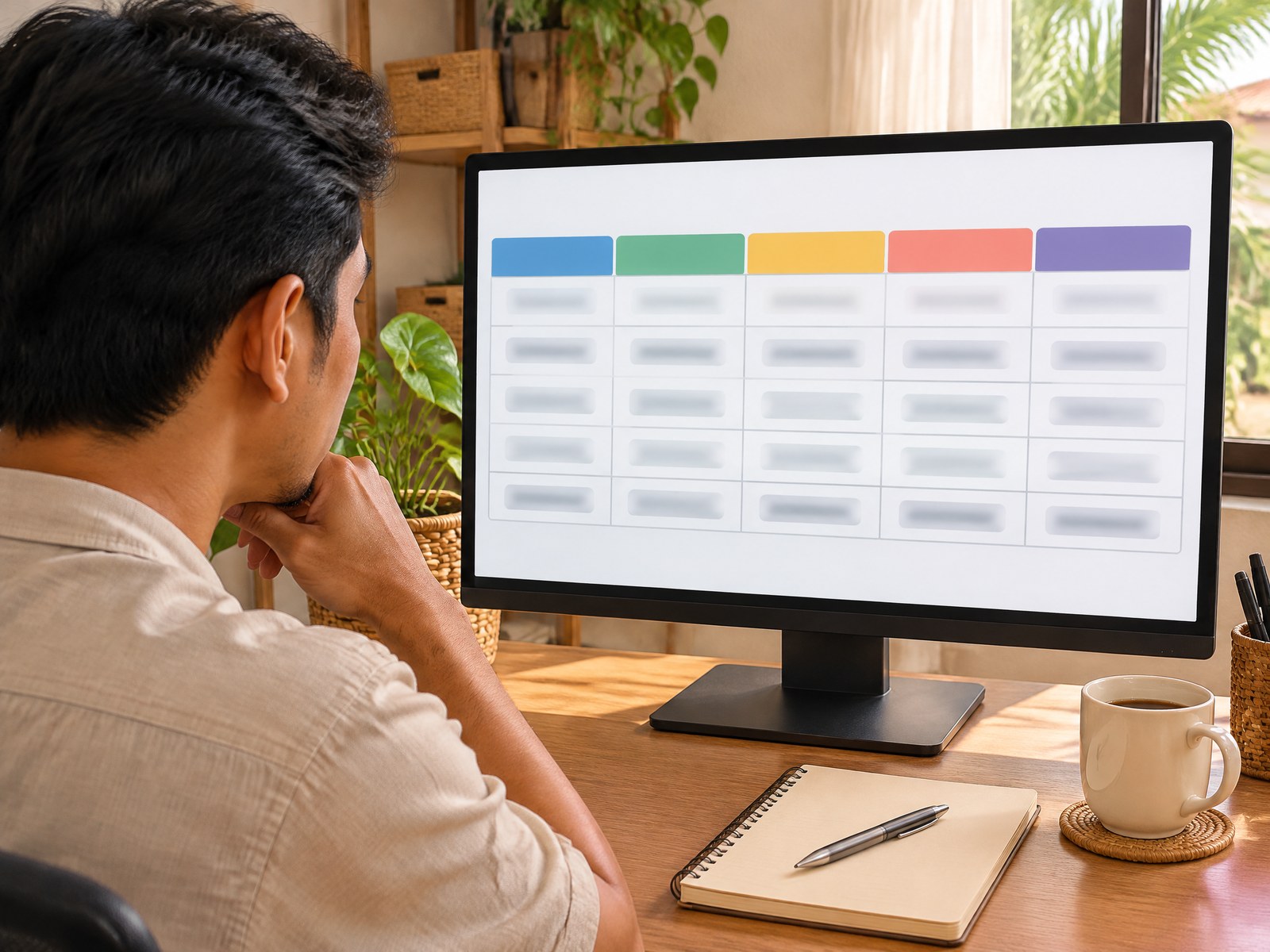
Build the comparison sheet in three steps. Step one, fix the columns so every store fills the same ones: yesterday's orders, yesterday's revenue, stock alerts, active campaigns, and one line for anything that needs a decision. Identical columns are what make the sheet comparable — a store row that reports different fields is a diary, not a row. Step two, fix the timestamp: every store's numbers are pulled at the same hour, once a day, because comparing a 9 a.m. pull from one store with an 11 a.m. pull from another manufactures fake trends. Step three, add the week-ago column beside each store's today, so the comparison is built in rather than bolted on. Ten minutes each morning fills the whole sheet, and to manage multiple tiktok shop stores one dashboard question — this sheet is the dashboard; everything else stays inside Seller Center.
One field belongs on every multi-store sheet in the Philippines and gets skipped almost everywhere: the shared-SKU flag. When the same product lives in two stores, mark the row — price moves, stock moves, and promo demand in one store land on the other within a day, and the flag is what turns that from a surprise into a scheduled check.
Split the Reading by Role: Filler, Owners, One Decision Line
The sheet changes who does the checking. In the manual world, the owner checks every store because only the owner holds all the logins; teammates ask the owner questions the dashboard could answer. Once the reading is merged, split it by role: one person owns the morning fill for all stores — the numbers — while each store keeps one named owner for decisions. The sheet's decision line does the routing: anything written there goes to that store's owner, not to the group chat. Two rules keep the split clean. First, whoever fills numbers never owns decisions, because the person who types the row starts defending it. Second, decisions get one owner per store, in writing, because a decision with two owners is an argument, and an argument at eleven in the morning is how the sheet stops being filled.
Expect one week of friction and do not interpret it as failure. The first days, teammates will still ask the owner questions the sheet answers; answer with a link to the row, not with the answer. By the second week the questions move into the sheet's decision line, which is exactly where they belong.
The Friday Cross-Store Review: Read Down, Not Across
The weekly cross-store review closes the loop, and it reads the sheet differently than the morning fill. Friday afternoon, look down each column instead of across: which store's orders moved most against last week, which store's return rate is drifting up alone, which store's affiliate share fell while its traffic held. Cross-store patterns are invisible one login at a time — a category-wide demand dip looks like five separate bad weeks until one column makes it obvious. End the review with one written line per store: keep, fix, or feed. Keep means no action; fix means the store owner takes one named action next week; feed means this store earns the next stock or campaign budget. Multi-store management fails by spreading attention evenly; the review exists to concentrate it where the columns point.
A 279-like Philippine video about reading the dashboard for fulfillment bottlenecks makes one point worth stealing for the review: metrics talk to each other. A store whose affiliate share holds while orders fall is a traffic problem; a store whose orders hold while returns rise is a product problem. The sheet is only numbers until the weekly review turns the pairs into a sentence — and a sentence is what an owner can act on.
How DAMI Runs Multi-Store Collaboration as a System
DAMI brings an 8-million-plus creator database, competitor and competitor-store creator search, automated outreach tasks, AI-assisted outreach, AI video creation, sample management, campaign management, social media management, store analytics, and multi-store team dashboards into one place. One shared reading layer, one fill per morning, per-store decision owners, and a Friday cross-store review are exactly what DAMI's multi-store collaboration management is built to hold — the stores stay separate on the platform and finally speak to each other in the report.
Connect every store into one multi-store view
DAMI's multi-store collaboration management lines up all your TikTok Shop stores in one place, each with yesterday's orders, revenue, stock alerts, and campaign status — the comparison sheet fills from real data instead of five logins.
Assign store roles and decision owners
Inside DAMI's team setup, each store gets a named owner while one teammate holds the morning fill; the decision line routes questions to the right store owner instead of the group chat.
Run the Friday cross-store review from one screen
Because every store reports identical fields in DAMI's team overview, the weekly review reads down each column in one screen — the category-wide demand dip that looked like five bad weeks becomes one obvious row.

Frequently Asked Questions
How do I manage multiple TikTok Shop stores from one dashboard without merging the stores?
Merge the reading, not the stores. Keep every store separate on the platform, but pull the same five fields from each — orders, revenue, stock alerts, campaigns, decision line — into one comparison sheet at one fixed hour each day. The sheet is the dashboard; Seller Center stays where the actions happen.
How much time does manual store switching actually cost a Philippine multi-store seller?
Four stores at six logins a day, four minutes per session, is roughly ninety-six minutes daily — a full working day per week spent navigating logins. Most sellers underestimate it until they tally one week; the tally also reveals which store quietly eats the most sessions.
Which fields belong in a multi-store comparison sheet?
The same five for every store: yesterday's orders, yesterday's revenue, stock alerts, active campaigns, and one line for decisions. Add the week-ago value beside each field and a shared-SKU flag for products living in two stores — that flag turns cross-store promo shifts from surprises into scheduled checks.
Who should fill the sheet and who should decide from it?
One person fills all stores' numbers each morning; each store keeps one named decision owner. Never give both jobs to one person — the person who types the row starts defending it. Route every entry in the decision line to that store's owner in writing, not to the group chat.
Is multi-store management worth it for a Philippine seller with only two stores?
Yes, and the -ber months are why. From September through December, weekly events push demand between stores that share a category, and a seller reading stores one login at a time discovers the shift days after the stock has moved. Two stores on one sheet is fifteen minutes a day and usually recovers one restocking window per event.
Price Your Logins This Week, Merge the Sheet Next
The expensive habit here is not ignoring your numbers. It is re-deriving them from memory every time a decision shows up — no fixed metrics, no weekly note, no archive. DAMI brings an 8-million-plus creator database, competitor and competitor-store creator search, automated outreach tasks, AI-assisted outreach, AI video creation, sample management, campaign management, social media management, store analytics, and multi-store team dashboards into one place.
This week, tally every store login for five days — store, minute, one-word reason. Next Monday, build the sheet with the same five columns for every store and one week-ago value beside each. That is the whole move to manage multiple tiktok shop stores one dashboard style, and the Friday cross-store review takes twenty minutes once the sheet exists.
Start with DAMI before this week's numbers turn into next week's guesswork.