

Many TikTok Shop sellers looking to rebrand get stuck on the same question: can the shop name be changed as easily as changing a username on social media? The answer is no. The Seller Center system imposes strict restrictions regarding shop identity changes, and every submission is subject to document verification and official trade name policies. If you are looking for a guide on how to change your TikTok Shop name in Seller Center, understanding these limitations is the crucial first step before opening the settings menu.
TikTok Shop System Limitations: Can Shop Names Be Changed Freely?
By default, TikTok Shop does not allow sellers to change their shop names freely. This policy is designed to maintain marketplace integrity and prevent the practice of avoiding negative reviews through continuous name changes. Name changes require a formal submission through the Seller Center, and there are limits on the number of requests within a specific period.
The system automatically rejects names that are too similar to official brands, contain forbidden keywords, or use generic terms that could mislead buyers. Submitting a change without a strong administrative basis not only wastes time but also risks temporarily suspending shop settings features if the system detects suspicious repeated change attempts.
Why are name change requests often rejected?
Rejections most frequently occur for three reasons: the new name contains another party's trademark, the uploaded legal documents do not match the requested name, or the seller tries to use a name already taken by another entity. Ensure your rebranding reason is administrative in nature, such as a change in legal entity or official trademark registration, before submitting the request.
Official Rules and Criteria for Submitting a New Name
Changing a shop name is not merely an aesthetic adjustment, but an administrative process with legal and operational consequences. TikTok Shop enforces strict policies regarding seller identity changes to prevent fraud and trademark infringement. The system does not allow arbitrary name changes without a valid reason and supporting documents.
Decision Flowchart: When to Change Name vs. Create a New Shop
Before submitting a change, evaluate your rebranding scenario through the following decision flow:

- Submit a name change if: the change is based on a legal entity change, official trademark registration, or correction of a misspelled legal entity name.
- Create a new shop if: you want to pivot to a completely different product category with no legal connection to the old entity, or want to structurally separate different brands.
The main criterion for approval is the alignment between the new name and the uploaded legal documents. If the new name contains a registered trademark, the seller must attach the trademark certificate. The most common mistake is submitting a name too similar to a renowned global brand, which will be immediately rejected by TikTok's security system. Also, consider the risks of creating a new shop: historical data, reviews, and ratings from the old shop cannot be transferred to a new account.
Steps to Submit a Name Change in Seller Center
Understanding how to change your TikTok Shop name in Seller Center is not just about typing a new name in the available field. This process is essentially a re-submission of the shop's identity, and the system will review the new name's alignment with the uploaded legal documents.
Document verification process and estimated review time
Here are the operational steps to follow:
- Log in to the Seller Center dashboard and find the Shop Profile menu.
- In the shop information section, select the edit name option.
- Prepare supporting documents: if the new name contains a registered trademark or company name, upload the corresponding trademark certificate or articles of incorporation.
- Submit the request form and wait for the shop status to enter review mode.
The estimated review time usually takes 1 to 3 business days, depending on the system verification queue. During the waiting period, avoid making massive changes to your catalog or other profiles to prevent data conflicts. If the request is rejected, you must wait for a cooldown period before you can resubmit, making document accuracy from the start crucial. Failure to include valid supporting documents is the most common reason for request rejection.
Alternative Profile Optimization If the Shop Name Cannot Be Changed
When a name change request is rejected or hits system limitations, rebranding work doesn't have to stop. Sellers still have room to maneuver through profile elements that can be changed without formal submission, namely the shop bio, logo, and description. These three elements are the first visual and textual assets buyers see when visiting the shop page, so changing them provides a tangible rebranding effect even if the core name remains.
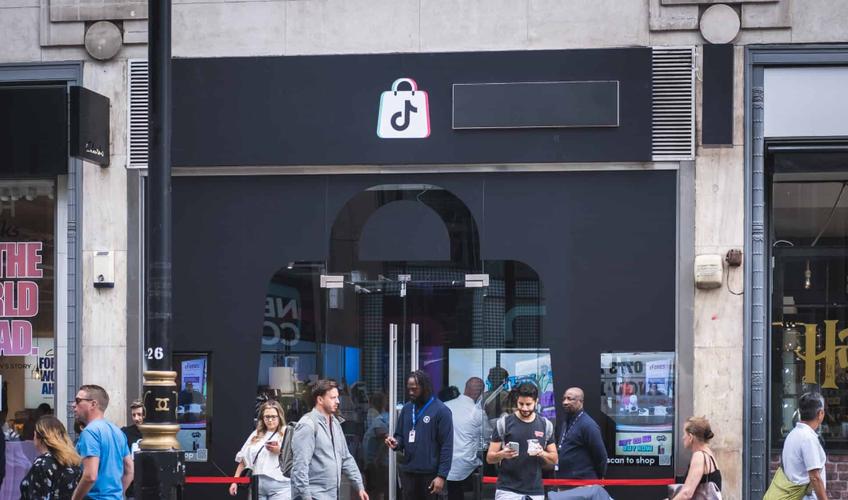
Adjusting shop bio, logo, and description for a rebranding effect
The shop bio is the most strategic space. If the bio previously contained old product descriptions, change it to the new brand narrative. The shop logo can also be changed at any time via the Shop Profile menu without document verification. Use a new logo consistent with your visual identity on other channels like Instagram or Shopee.
The shop description should be updated with keywords relevant to the new business direction. However, keep in mind: changing these elements does not change the shop URL or the name that appears on transaction receipts. Buyers searching for the old shop by name can still find you, but they might be confused seeing a different visual identity. To work around this, insert a transitional sentence in the bio like "Formerly known as Old Name, now arriving as New Name."
This approach is not just a compromise, but a gradual rebranding strategy widely used by sellers when they find that the formal route isn't always available.
FAQ: Common Questions About TikTok Shop Name Changes
Can a TikTok Shop name be changed at any time?
No. Name changes require a formal submission through the Seller Center with limits on the number of requests within a certain period and valid supporting documents.
How long does the name change review process take?
The estimated review time is usually 1 to 3 business days, depending on the system verification queue. If rejected, the seller must wait for a cooldown period before resubmitting.
What should be done if the request is rejected?
Evaluate the reason for rejection, fix the supporting documents, and resubmit after the cooldown period ends. Meanwhile, optimize the shop bio, logo, and description as an alternative gradual rebranding strategy.